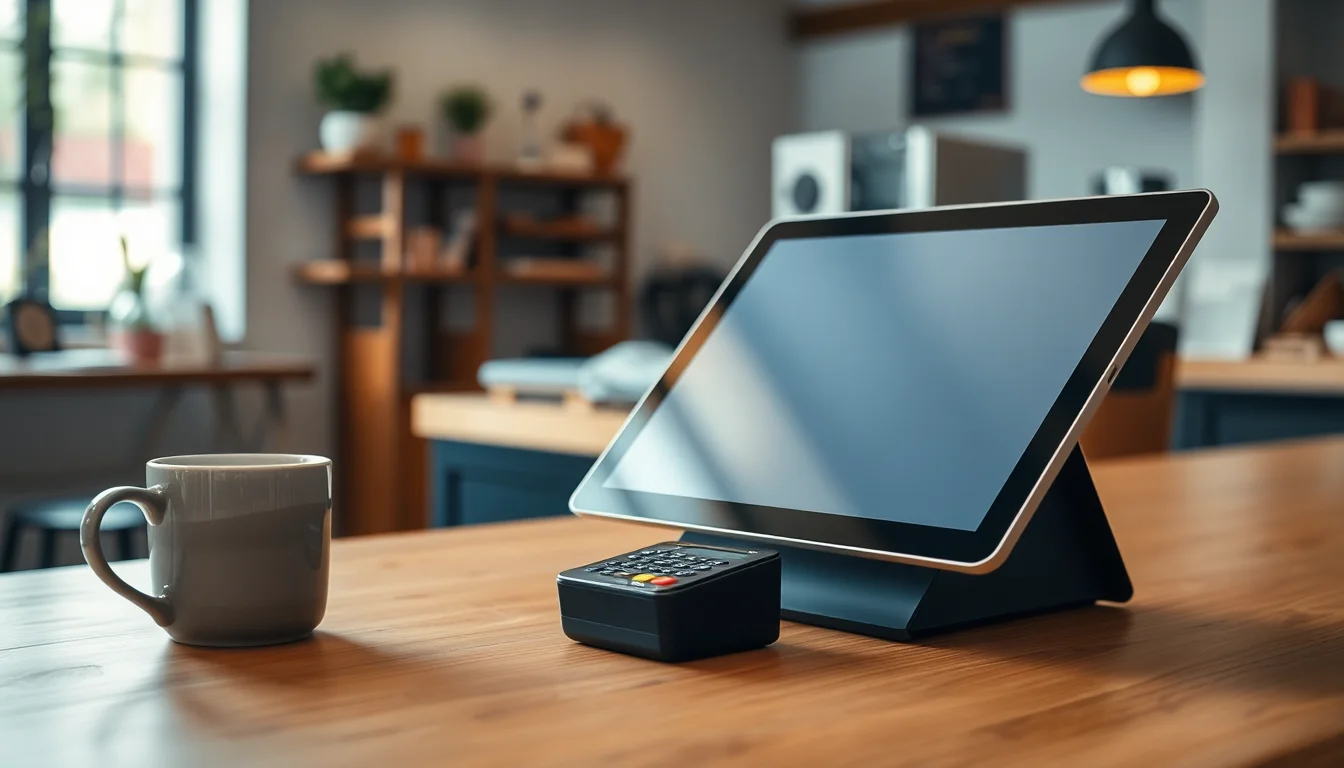
Imagine it’s a busy Saturday morning. Your shop is humming, a line is forming, and someone hands you a credit card for a $47 purchase. You tap a button on a tablet, the customer taps their card, and in about three seconds the sale is done — a receipt pings their phone, your inventory updates automatically, and the money is on its way to your bank account. That whole experience, from button-tap to bank deposit, is what a point-of-sale system (POS system for short) makes possible. A POS system is simply the combination of software, hardware, and payment processing that lets a business accept money and track what it sold. It replaces the old-fashioned cash register — and does about twenty other jobs on top of it.
If you’ve never bought one before, the options can feel overwhelming fast. There are dozens of brands, pricing plans that range from free to $300 a month, and salespeople who love to talk in acronyms. This guide cuts through all of that. By the time you reach the end, you’ll know exactly what a POS system does, what the three pieces of every system are, what “processing fees” actually means for your wallet, and how to start comparing your options like someone who has done this before.
The Three Layers Every POS System Has
{#p-three-layers}
Every point-of-sale system — whether it costs nothing or $500 a month — is built from three layers stacked on top of each other. Understanding these three layers is the single most useful thing you can do before you talk to any vendor.
Layer 1: The Software This is the brain. It’s the app or program that runs on a screen, shows your menu or product catalog, calculates totals, applies discounts, and stores every transaction. Some software lives entirely in the cloud (meaning it works through an internet connection and your data is stored on the company’s servers — not on a hard drive you own). Others are “hybrid,” meaning they cache data locally so you can keep selling even if your Wi-Fi goes down. You pay for software either through a monthly subscription — typically $0 to $150 per month for small businesses, according to Fit Small Business’s 2026 POS cost breakdown — or as a one-time license fee on older legacy systems.
Layer 2: The Hardware This is the physical stuff: the screen your staff taps, the device that reads cards, the printer that spits out receipts, the drawer that holds cash. Modern small-business POS hardware usually centers on a tablet (iPad or Android) or a dedicated touchscreen terminal. You might also add a customer-facing display (a second small screen that shows the customer their order total), a barcode scanner, or a kitchen display screen if you’re in food service. Hardware is either purchased outright, leased, or sometimes offered at no upfront cost if you sign a long processing contract — and that last option has hidden costs we’ll come back to.
Layer 3: The Payment Processor This is the financial plumbing. When a customer taps their card, the payment processor is the company that securely shuttles money from their bank to yours, verifies the transaction, and charges you a small fee for the service. That fee — usually between 1.5% and 3.5% of each transaction plus a small flat amount like $0.10 or $0.15 — is called a processing fee or transaction fee. Some POS companies are their own processor (Square and Toast are examples). Others let you bring your own processor and just integrate with it. This distinction matters a lot for your costs, which we’ll cover in detail below.
What a Modern POS Does Beyond Ringing Up Sales
Here’s where new buyers are often surprised. A cash register rings sales. A modern POS system does that and a whole lot more — and for small businesses, those extra features are often the whole reason the investment pays off.
Inventory management: Every time you sell something, your POS subtracts it from your stock count automatically. When you’re running low, it can alert you or even generate a purchase order. If you’ve ever done a manual stock count on a Sunday night, you understand immediately why this is valuable.
{#p-inventory}
Tips and gratuity: For restaurants, salons, and service businesses, the POS presents a tip screen to the customer at checkout and routes those tips correctly to staff — with a full tip report at the end of each shift.
Sales reports and analytics: Your POS tracks what sold, when, and how much — broken down by item, by hour, by employee, or by location. You can see that your 11 a.m. to 1 p.m. window is 40% of your daily revenue, or that one staff member is outselling everyone else on add-ons. These are insights a cash register cannot give you.
Employee management: Clock-ins, clock-outs, role-based permissions (so a new hire can process a sale but can’t issue a refund without a manager code), and shift summaries.
Customer records: Many POS systems store customer purchase history, support loyalty programs, and can send receipts by email or SMS — building a list of real customers you can market to later.
Integrations: A POS doesn’t have to operate in isolation. Most modern systems connect to accounting software (like QuickBooks or Xero), online ordering platforms, payroll tools, and reservation systems. The breadth of a system’s integration library is widely recognized by reviewers at PCMag and Merchant Maverick as one of the top differentiators between mid-tier and premium platforms — something worth asking about directly in any vendor demo.
What POS Hardware Actually Looks Like (and What It Costs)
{#p-hardware-list}
You don’t need a warehouse full of equipment to get started. Here’s what a typical small-business counter setup includes, with real price ranges as of mid-2026:
| Hardware Piece | What It Does | Typical Cost |
|---|---|---|
| Tablet or dedicated terminal | Runs the POS software; staff-facing screen | $300–$800 |
| Card reader | Accepts chip, tap (NFC), and swipe payments | $30–$150 |
| Receipt printer | Prints paper receipts (thermal, no ink needed) | $80–$250 |
| Cash drawer | Stores cash; pops open automatically at sale | $80–$200 |
| Barcode scanner | Speeds up retail checkout | $50–$150 |
| Customer display | Shows order total to the buyer | $100–$300 |
A bare-bones starter kit — tablet, card reader, and receipt printer — can run you $400–$900 in hardware. A full retail or restaurant setup with multiple components lands more in the $1,200–$2,500 range, per Fit Small Business’s POS cost guide.
If you want to shop specific hardware, the Star Micronics TSP143IIIU receipt printer is one of the most widely compatible thermal printers on the market and works with nearly every major POS platform. For a card reader, the Square Terminal is a popular all-in-one device that handles cards and prints receipts from one unit. And for a cash drawer, the APG Vasario Series is a reliable, widely-used option that connects to most receipt printers via a standard cable.
One warning worth flagging: some vendors offer hardware at no upfront cost in exchange for signing a multi-year processing contract. Merchant Maverick’s analyst team — in their Best POS Systems for Small Business guide — consistently notes that the processing markups embedded in these long-term deals almost always cost more over two or three years than simply buying the hardware outright at retail prices. Do the math before you say yes.
Processing Fees: The Number That Actually Determines Your Cost
{#p-processing-fees}
If there’s one area where small-business owners lose money without realizing it, it’s processing fees. Here’s how to think about them clearly.
When a customer pays by card, the processor charges you a percentage of that transaction. A typical flat-rate fee (the model Square, PayPal Zettle, and similar services use) runs around 2.6% + $0.10 for in-person tap or chip transactions. So on a $50 sale, you’d pay about $1.40 in fees and keep $48.60.
That sounds small — until you multiply it across your whole year. If your business does $400,000 in annual card sales (realistic for a mid-size restaurant or boutique), you’re paying roughly $10,400–$14,000 per year in processing fees alone, depending on your rate. NerdWallet’s guide to credit card processing fees is the clearest free resource available for understanding how these rates are structured and what to negotiate.
By the numbers — processing fee impact at $400K annual card volume:
- 2.6% flat rate: ~$10,400/year
- 2.9% flat rate: ~$11,600/year
- 3.5% flat rate (common in locked-in contracts): ~$14,000/year
- Difference between best and worst rate: $3,600/year
That $3,600 is real money — enough to pay for a solid POS software subscription for two full years. This is why processing rates deserve as much attention as the monthly software price.
So What Should You Do Next?
You now know what a POS system actually is, what its three layers do, what the hardware looks like and costs, and how to think about the fees that quietly shape your real monthly expense. That puts you ahead of most first-time buyers walking into a vendor demo.
Here’s a sensible next step path:
-
Get a handle on your true monthly cost before committing to anything. Use our Monthly Cost Calculator to run your own numbers — plug in your transaction volume, your current (or proposed) processing rate, and any hardware you’d need to buy. It takes about four minutes and shows you the real annual cost, not the sticker price.
-
Compare the platforms built for your business type. Our Best POS Systems for Small Business guide names winners by category — best for restaurants, best for retail, best for mobile businesses — with real pricing and honest tradeoffs. It’s a good read once you feel confident in the basics you’ve just covered here.
The buying process doesn’t have to be stressful. You now speak the language. Go use it.