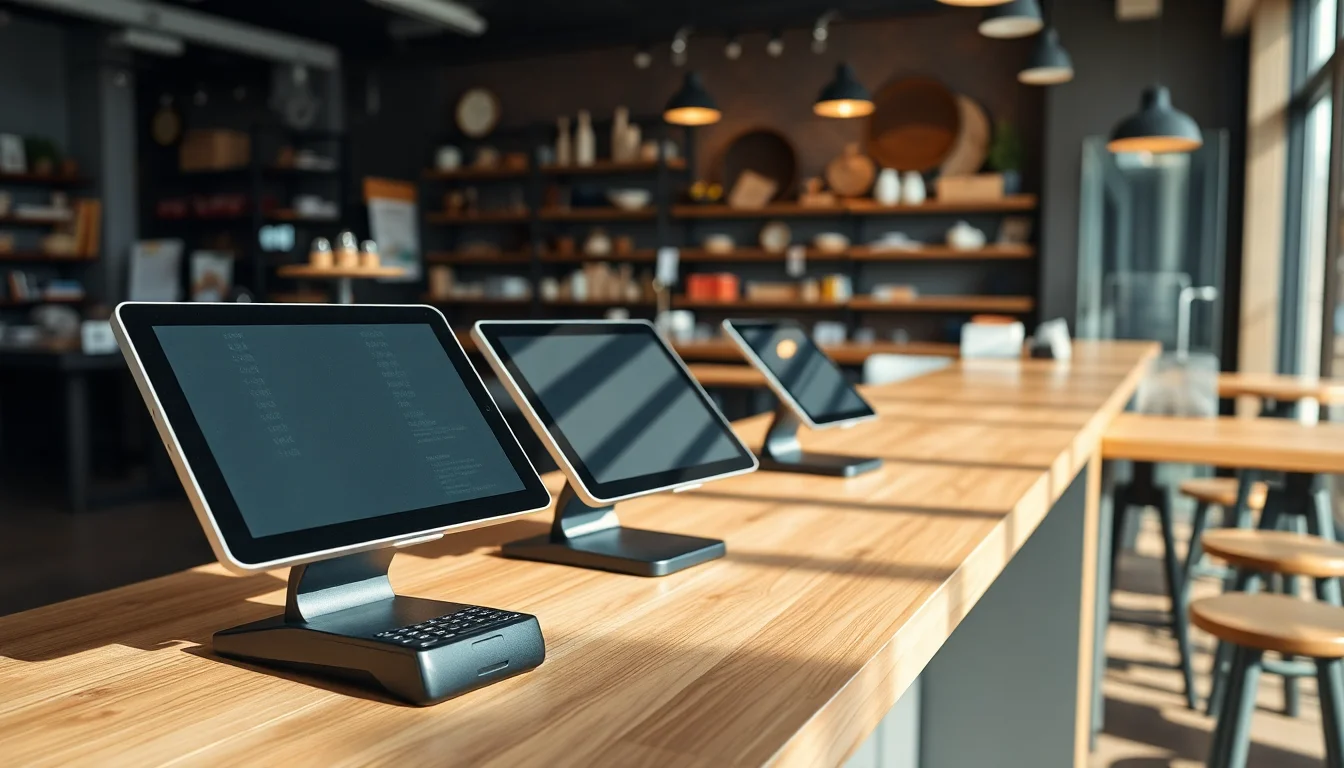
If you’ve ever stood at the counter of a new shop wondering how the owner rings people up, tracks inventory, and accepts credit cards all at once — that whole system is called a point-of-sale system, or POS for short. Think of it as the cash register’s smarter descendant: it handles payments, yes, but it also tracks what you sold, who bought it, and how much money you made. The “hardware” (physical stuff: the screen, card reader, receipt printer) connects to the “software” (the app that runs everything). You pay for the software — sometimes nothing, sometimes up to $300/month per terminal — and the software provider usually takes a small cut of every card payment, called a processing fee, typically expressed as a percentage plus a flat cent amount (e.g., 2.6% + $0.10 per swipe). This guide ranks the five best POS systems for small businesses in 2025, names a winner in each category, and gives you the numbers you need to make a real decision.
How We Ranked These Systems
We looked at five things that actually cost owners money or time:
- True monthly cost — software fee plus realistic processing fees at $30,000/month in sales (a modest but real volume for a small shop)
- Hardware flexibility — can you reuse it if you switch software later?
- Ease of setup — hours, not days
- Category fit — a florist’s needs are not a burger spot’s needs
- Contract risk — month-to-month versus locked-in agreements with early-termination fees
By the numbers:
- Average small-business POS software cost: $0–$165/month (Merchant Maverick, “Best POS Systems for Small Business,” 2025)
- Average card processing fee: 2.5%–2.9% + $0.10 per transaction for small businesses
- Switching cost when hardware is proprietary: $500–$2,000 in new equipment
- Median POS buying cycle for SMBs: 3–5 weeks across most major platforms
The 5 Best POS Systems for Small Business in 2025
🏆 Best Overall: Square POS
Verdict: Square is the easiest place to start, the most forgiving system to grow on, and the one we’d recommend to any first-time business owner who doesn’t yet know exactly what they need.
Square’s free software tier includes inventory tracking, sales reporting, a customer directory, and the ability to accept every major card and contactless payment (Apple Pay, Google Pay). The processing fee is 2.6% + $0.10 per in-person swipe — no monthly fee required. If your business grows and you want lower processing rates or more features, Square’s paid plans start at $60/month per location.
The hardware is genuinely reusable. The Square Reader for magstripe ($10) plugs into a headphone jack or Lightning port and works on virtually any smartphone. For a more permanent counter setup, the Square Terminal ($299) is an all-in-one payment device with a built-in receipt printer. Square’s contracts are month-to-month; you can walk away anytime.
NerdWallet’s POS systems guide consistently places Square at or near the top of small-business POS comparisons, citing its pricing transparency — fees are posted publicly, there are no hidden charges, and the free tier delivers most features a new owner genuinely needs. The one real knock: at higher annual sales volumes, the flat processing fee can start to cost more than tiered pricing from a dedicated merchant services provider. Square’s restaurant and retail add-ons also cost extra, so a full-featured restaurant setup can reach $165/month before processing.
Who it’s for: First-time owners, pop-ups, service businesses, any shop that wants to be running in under an hour.
Who should skip it: High-volume restaurants that need table management and kitchen display systems built into the base price.
💸 Best Free POS: Square Free Tier (vs. Loyverse)
The honest answer is that Square’s free plan is the best free POS for most owners — but it’s worth knowing about Loyverse (free software, bring-your-own payment processor), which is notable for its offline mode and multi-location dashboard (Loyverse, product documentation).
Loyverse’s approach: it doesn’t process payments itself. You connect a third-party processor like SumUp or PayPal Here. That can mean lower processing fees if you shop around — or a confusing setup if you’re not tech-comfortable. Square’s free tier is plug-and-play. Loyverse rewards owners who want to optimize later.
Who it’s for (Square free): Literally anyone starting out. Zero monthly cost, zero contract.
Who it’s for (Loyverse): Owners with a trusted payment processor already, or those running high volume who want to negotiate rates independently.
Who should skip free tiers entirely: Businesses doing tableside ordering, complex modifiers, or multi-location inventory sync — you’ll hit the ceiling fast and end up paying anyway.
🍽️ Best POS for Restaurants: Toast POS
Verdict: Toast is purpose-built for food service in a way that general POS systems simply aren’t, and it shows in every feature — from kitchen display systems to tip prompts to split-check handling.
Toast’s base “Point of Sale” plan starts at $0/month (yes, free) with a processing rate of 2.99% + $0.15 — slightly higher than Square’s, but the trade-off is restaurant-native features like course firing, table mapping, and a built-in kitchen display system (KDS). The mid-tier plan with more features runs $69/month, and processing drops at higher tiers.
The most important caveat: Toast runs on proprietary Android hardware you cannot reuse if you switch processors. A basic Toast Flex terminal starts around $627 purchased outright, or $0 upfront with a financing agreement that locks you into Toast’s processing for the term of the agreement. Read that financing contract carefully — early termination can cost hundreds of dollars. TechRadar’s POS systems review specifically calls out Toast’s hardware lock-in as the primary risk factor for operators who aren’t certain about long-term commitment.
Toast’s Flex terminal is durable, spill-resistant, and genuinely built for a busy kitchen environment. Pair it with Toast’s KDS and you’ve got a professional restaurant system for under $200/month all-in at a single location.
Who it’s for: Full-service and quick-service restaurants, bars, food halls — any food business where table management and kitchen coordination matter.
Who should skip it: Food trucks or pop-ups that need flexibility — Toast’s hardware cost and processing lock-in don’t make sense for low-volume or traveling setups.
🛍️ Best POS for Retail: Lightspeed Retail
Verdict: Lightspeed is the choice for any retail shop with a real inventory problem — meaning hundreds of SKUs, multiple variants (size, color, style), or more than one location.
Lightspeed’s retail plan starts at $109/month (billed annually) and includes purchase order management, vendor catalogs, and inventory counting tools that Square and Clover simply can’t match at the same depth. Merchant Maverick’s in-depth Lightspeed Retail review highlights the inventory matrix — tracking a shirt in 5 colors × 6 sizes as one product, not 30 — as the standout feature that justifies the price for retailers with complex stock.
Processing fees run 2.6% + $0.10 in-person on Lightspeed Payments. If you use a third-party processor, Lightspeed charges an integration fee — so factor that in.
Lightspeed works on iPad, which means the hardware is genuinely reusable. An iPad 10th generation ($349 street price) paired with a Socket Mobile barcode scanner ($199) gives you a capable retail station for around $550 in hardware before the software subscription.
Who it’s for: Boutiques, bike shops, bookstores, any retailer managing 200+ SKUs or planning to open a second location.
Who should skip it: Shops with simple, low-SKU inventory — you’re paying for power you won’t use.
🚐 Best POS for Mobile / Food Trucks: Square (Mobile) or SumUp
Verdict: For a food truck, farmers market booth, or any business without a fixed address, the hardware needs to fit in a bag and the software needs to work when Wi-Fi doesn’t. Square wins again here — but SumUp deserves a mention for its ultra-low flat pricing.
Square’s processing fee of 2.6% + $0.10 is predictable. SumUp charges a flat 2.75% with no monthly fee and no contracts — on a $20 sale, that’s $0.55 versus Square’s $0.62, essentially noise. But SumUp’s reporting and inventory tools are thinner, so for most operators Square is the better overall value even in a mobile context.
For a food truck specifically, the Square Terminal ($299) runs on battery, has a built-in printer, and connects via 4G — no Wi-Fi required. That’s a meaningful advantage when you’re parked somewhere with no signal.
Who it’s for: Food trucks, market vendors, mobile service businesses (massage, alterations, pet grooming on-wheels), pop-up retailers.
Who should skip it: Any mobile operator doing more than $500k/year — at that volume, negotiating a dedicated merchant account with interchange-plus pricing will beat any flat-rate processor.
Structured Comparison: Top POS Hardware for Small Business
| Product | Type | Key Spec | Verdict | Link |
|---|---|---|---|---|
| Square Terminal | All-in-one payment device | Built-in printer, battery-powered, 4G capable | Best single device for mobile and counter use | Amazon |
| Square Reader (magstripe) | Mobile card reader | Works on any smartphone, $10 | Cheapest possible way to start accepting cards | Amazon |
| iPad (10th Gen) | Tablet hardware | 10.9”, works with Square, Lightspeed, Clover | Reusable across software switches — the smart hardware bet | Amazon |
| Toast Flex Terminal | Restaurant-grade terminal | Spill-resistant, Android, proprietary to Toast | Best restaurant hardware, but only if you’re committed to Toast | Amazon |
| Socket Mobile CHS 7Ci Scanner | Barcode scanner | Bluetooth, pairs with iPad/Lightspeed | Essential for retail inventory accuracy | Amazon |
The One Thing to Check Before You Sign Anything
Whatever system you’re leaning toward, open a spreadsheet and do this: take your average monthly card sales volume, multiply by the processing rate, and compare that number across two or three systems at both free and paid software tiers. A paid $60/month plan with a 2.3% rate often beats a free plan at 2.9% once you’re past $10,000/month in card sales. The break-even is almost always lower than owners expect.
Merchant Maverick publishes detailed side-by-side cost breakdowns and fee comparisons worth reading before your first sales call. For contract red flags — particularly around hardware financing agreements and early-termination clauses — TechRadar’s POS systems guide provides a useful overview of the terms most likely to catch owners off guard. NerdWallet’s POS comparison also covers fee structures and customer support ratings for all major platforms in plain language suited to first-time buyers.
The right POS system isn’t the one with the most features — it’s the one you’ll actually use, at a price that makes sense at your real sales volume. For most first-time owners, that’s Square. For restaurants ready to get serious, it’s Toast. For retailers with real inventory, it’s Lightspeed. Start there, and you’re already ahead of most of the owners who bought on instinct.