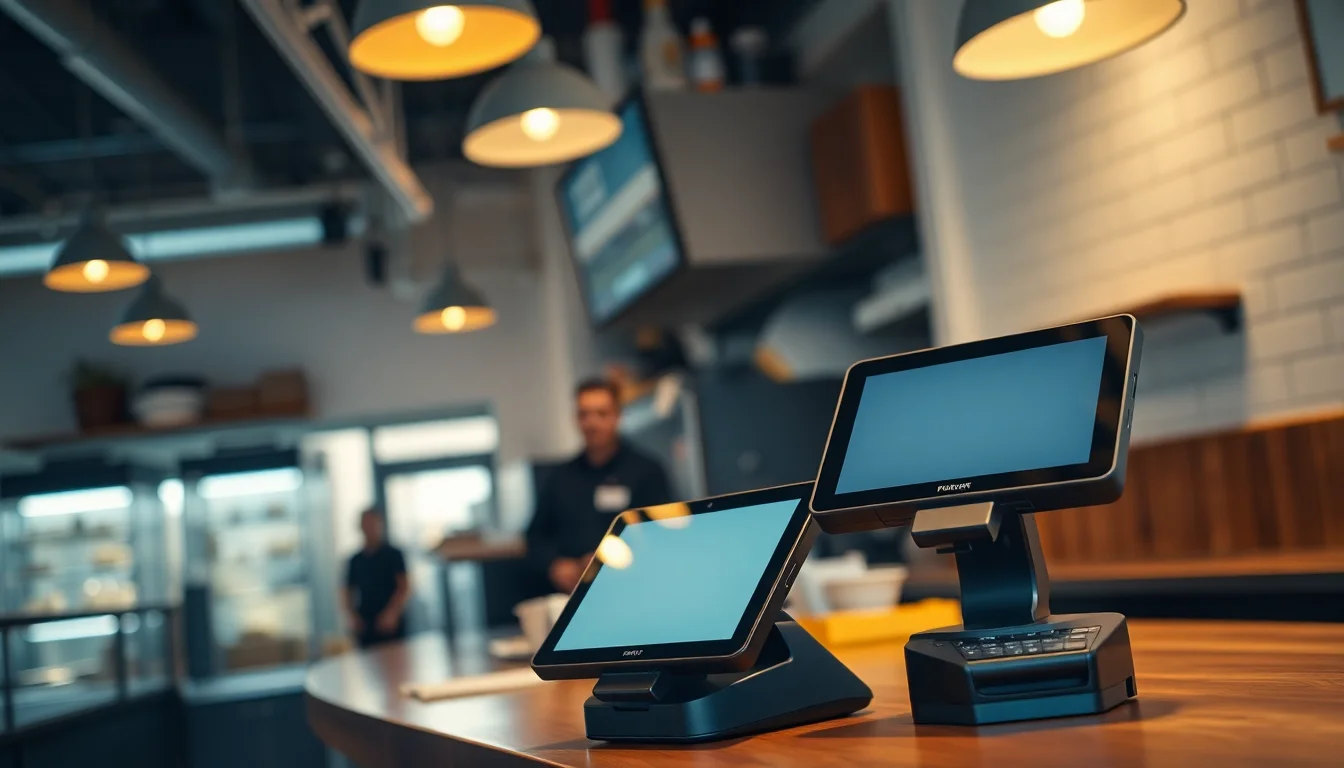
If you’ve ever watched a server walk back to a terminal three times to fix a split check, you already understand why the software running your restaurant matters as much as your menu. A point-of-sale system (POS) is the combination of hardware (the screen, card reader, and receipt printer on your counter or in your server’s hand) and software (the program that takes orders, processes payments, and tracks what you’ve sold) that sits at the center of every transaction in your business. For restaurants specifically, a POS also manages kitchen tickets, table assignments, tip calculations, and increasingly, online orders arriving from third-party apps. Choosing the wrong one costs real money — not just in subscription fees but in the processing percentage the system charges on every swipe, and in switching costs when you decide to leave. This guide ranks five systems built for restaurant environments in 2025, tells you exactly who each one is for, and ends with a clear decision rule so you can stop comparing and start configuring.
What Separates a Restaurant POS from a Generic One
Most small businesses can run on a basic POS: scan item, take payment, done. Restaurants are more complicated. You need a Kitchen Display System (KDS) — a screen mounted above the prep line that shows tickets in real-time without paper, so your line cooks see new orders the moment a server enters them. You need table mapping — a visual floor plan inside the POS so hosts can see which tables are seated, mid-course, or ready to close. You need tip pooling — automated math that splits gratuity among front-of-house staff according to your house rules. And you need an 86 list — industry shorthand for items you’ve run out of, which a good POS pushes to every terminal so servers stop offering tonight’s fish special after the last portion sold.
If a system is missing even one of those four features, it’s going to create manual workarounds that cost you labor hours every single week.
The Five Systems — and Who Each One Actually Fits
1. Toast POS — Best for Full-Service Restaurants
Toast was built from the ground up for restaurants, and it shows. Table mapping, KDS integration, tip pooling, and 86-list management are all native — not add-ons. The floor plan editor lets you drag and drop tables, section off a patio, and reassign covers mid-shift from an iPad or Toast’s proprietary Android terminals.
The catch is the hardware lock. Toast uses encrypted, proprietary terminals that only work with Toast’s payment processing. You cannot bring your own reader, and you cannot switch processors without replacing every piece of hardware. PCMag’s Toast POS review notes that the closed hardware ecosystem is the most common friction point cited by operators considering a switch, and flags processor dependency as a significant long-term cost consideration for anyone who doesn’t read the merchant agreement carefully before signing. Merchant Maverick’s best restaurant POS systems guide similarly calls out Toast’s processor lock-in as a key trade-off operators must weigh against the platform’s operational depth.
Pricing (as of mid-2025): Point of Sale plan starts at $0/month for single-location basics, but the Essentials tier (which adds online ordering and scheduling) runs $165/month per location. Processing is 2.49% + $0.15 for card-present transactions through Toast Payments.
Hardware: The Toast Flex terminal is the workhorse — a 14-inch Android touchscreen with a built-in card reader and a customer-facing display, sold through Toast directly. For tableside ordering, Toast’s handheld fits in an apron pocket.
Verdict: If you’re running a full-service dining room with 40+ covers and you’re willing to accept processor lock-in for the operational depth you get, Toast is the pick. Don’t sign if you’re allergic to proprietary hardware.
2. Square for Restaurants — Best for Quick-Serve and Food Trucks
Square’s free plan is genuinely useful for quick-service operations — counter ordering, basic KDS output, and flat-rate processing (2.6% + $0.10 card-present) with no monthly fee. It skips floor-plan management and auto-gratuity, which is fine if you’re running a food truck or a counter where tipping is prompted on the customer-facing screen rather than calculated by a server.
The Plus plan at $60/month per location adds floor plans, section management, and advanced reporting. For most quick-serve operators, that’s the right tier.
Hardware: The Square Terminal ($299) is the cleanest option — an all-in-one device with a built-in printer and card reader that runs on Square’s own OS. No monthly rental, you own it outright, and it works with Square’s payment processing, which you can supplement with certain third-party processors on higher plans.
NerdWallet’s Square for Restaurants review gives high marks to the platform’s ease of onboarding and low barrier to entry, particularly for operators who need to get up and running quickly without a lengthy implementation process.
Verdict: Best for single-location quick-serve, food trucks, and pop-ups where simplicity and owned hardware beat depth of features.
3. Lightspeed Restaurant — Best for High-Volume Full-Service and Multi-Location Groups
Lightspeed charges more — the Essential plan runs $189/month per location — but delivers genuine multi-location inventory sync, which matters when you’re running two or three locations and need to know that your shared produce order is accounted for across venues. The KDS integration is deep: ticket routing by course, seat-level ordering, and fire-timing controls that let a kitchen manager hold a main until the appetizer is cleared.
The bar management workflow is where Lightspeed earns points beyond Toast. Open-tab management ties authorizations to a credit card hold, timestamps every modification, and lets a floor manager close tabs remotely from a manager tablet. That last feature matters: open tabs are the number-one source of chargeback disputes in bar environments, and having a timestamped authorization chain shuts most of them down at the bank level.
TechRadar’s best restaurant POS systems guide notes that Lightspeed’s onboarding timeline runs longer than most competitors — operators with complex menus should plan three to four weeks for a full menu build and staff training, not three days.
Hardware: Lightspeed runs on iPad, which means you can use existing Apple hardware or pick up a dedicated unit. The iPad 10th Generation paired with a compatible Bluetooth card reader is the standard entry setup for operators switching from a legacy system.
Verdict: Multi-location full-service restaurants and busy bars where tab management and inventory sync justify the premium.
4. Clover — Best for Bars Needing Flexible Hardware
Clover’s hardware line is the most flexible in this comparison. The Clover Station Duo (a dual-screen terminal with merchant-facing and customer-facing displays) works with multiple processors — not just Fiserv’s First Data, which Clover defaults to, but also compatible ISOs if you negotiate an independent merchant account first. Merchant Maverick’s best restaurant POS systems guide notes that Clover’s processor flexibility is relatively uncommon at this price tier and gives operators more leverage to negotiate competitive processing rates.
Bar-specific: Clover’s bar tab workflow pre-authorizes cards at a fixed hold amount (you set it per shift), and the system supports quick-access drink menus with item modifiers for liquor calls.
Pricing: Hardware runs $599–$1,699 depending on terminal type. Software is $84.95–$109.95/month for full-service plans. Processing rates vary by ISO but benchmark around 2.3%–2.7% card-present.
Hardware: The Clover Station Solo is the entry point — a 14-inch merchant screen with an integrated receipt printer, sold through Clover resellers.
Verdict: Bars that want hardware they can resell or repurpose if they switch systems, and operators who want leverage to negotiate processing rates independently.
5. SpotOn Restaurant — Best Value for Mid-Size Full-Service
SpotOn doesn’t get the marketing budget of Toast or Square, but its reporting suite stands out for operators managing labor cost against revenue in real time. Labor as a percentage of revenue — updated hourly during a shift — is the kind of data that lets a floor manager cut a server at 8 PM instead of 10 PM and save $60 in labor on a slow Tuesday.
Online ordering integration is built-in (not a third-party markup), and tip pooling handles both percentage-of-sales and point-based allocation methods. Pricing starts around $25/month for basic and scales to $195/month for the full Restaurant plan. Merchant Maverick’s best restaurant POS systems guide lists SpotOn among the stronger options for full-service operators who want deep feature sets without committing to a proprietary hardware ecosystem.
Verdict: The underdog pick for full-service restaurants between $500K and $2M in annual revenue who want Toast-level features without Toast’s processor lock-in.
By the Numbers — Processing Fee Impact at $50K Monthly Volume
| System | Card-Present Rate | Monthly Fee (mid-tier) | Est. Monthly Processing Cost |
|---|---|---|---|
| Toast (Essentials) | 2.49% + $0.15 | $165 | $1,245 + fees |
| Square (Plus) | 2.6% + $0.10 | $60 | $1,300 + fees |
| Lightspeed (Essential) | 2.6% + $0.10* | $189 | $1,300 + fees |
| Clover (via ISO) | ~2.3% negotiated | $110 | ~$1,150 + fees |
| SpotOn (Restaurant) | 2.5% + $0.15 | $195 | $1,250 + fees |
*Lightspeed’s processing rate varies by integrated payment partner; 2.6% is a common benchmark, not a guaranteed rate. Pull your last 90-day statement before running this math for your location — seasonal volume swings can flip the winner by $200–$400/month.
All figures based on mid-2025 published pricing and representative ISO rates. Verify current rates directly with each vendor before contracting.
The Decision Rule
If you run full-service with 30+ covers and processor lock-in doesn’t scare you: Toast. No other system matches its operational depth at scale.
If you’re a food truck, pop-up, or quick-serve counter that needs to be live quickly with minimal setup: Square. Own the hardware, skip the contract.
If you’re running two or more locations or a high-volume bar: Lightspeed for its multi-location sync and bar tab authorization chain.
If you want to negotiate your own processing rate and own hardware you can resell: Clover through an independent reseller.
If you want Toast features, SpotOn pricing, and a clean exit clause: SpotOn, and get the contract reviewed by someone who has read a few of them before.
One more thing: if you’re already on a system and wondering what it would actually cost to switch, use our Switch-Cost Calculator before you sign anything new. The hardware buyout and retraining hours almost always add 20–30% to the sticker price of a migration — and that math should be in your LOI before the new vendor is.
Pricing and feature details reflect publicly available information as of May 2026. Restaurant POS pricing changes frequently; confirm all figures directly with vendors before contracting.