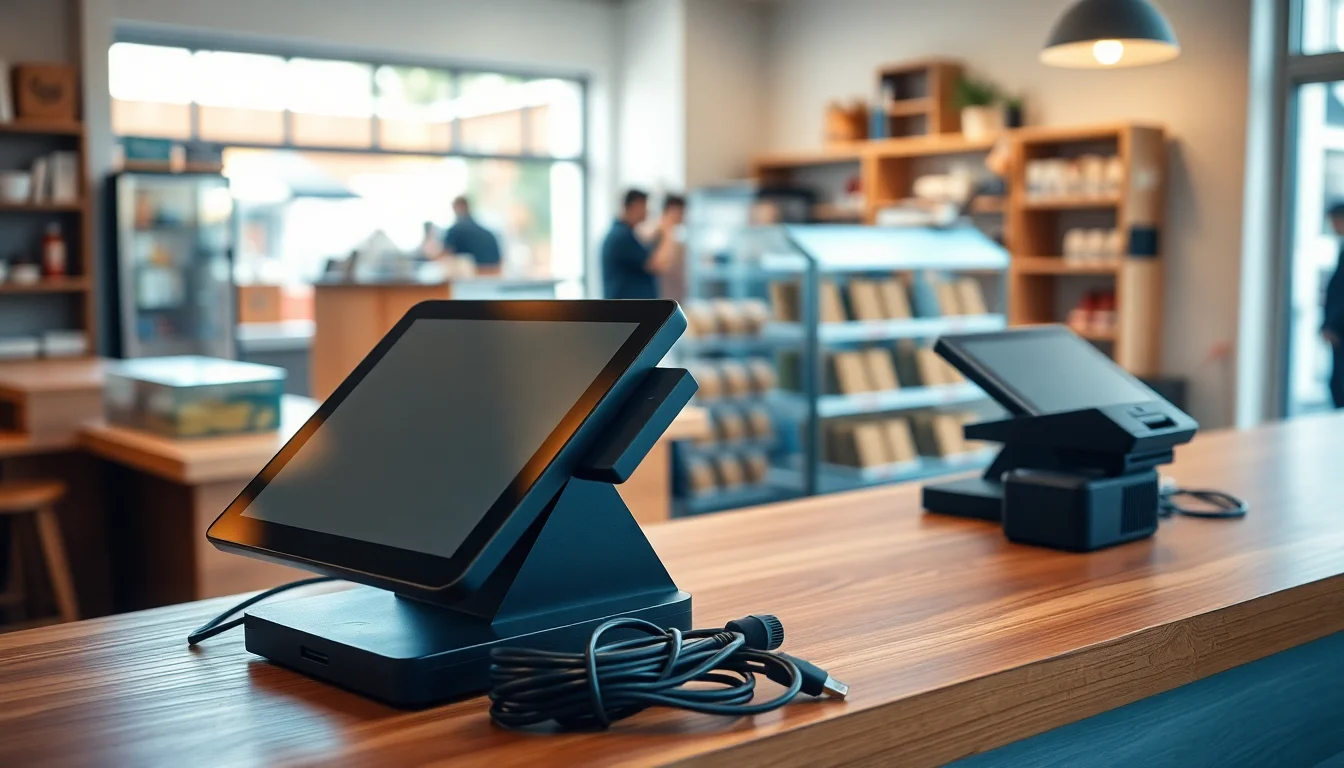
If you have ever signed up for a point-of-sale (POS) system — the software and hardware combination that runs your register, tracks your inventory, and processes card payments — you already know it is not like switching phone apps. Your entire transaction history, your menu or product catalog, your customer loyalty data, and your staff permissions all live inside a proprietary database that the outgoing vendor controls. Switching POS systems means extracting that data, rebuilding your setup inside a new platform, training your team, and executing what the industry calls a “cutover” — the moment you flip the switch and stop using the old system entirely. Done wrong, that cutover weekend can cost you hours of downtime, a corrupted inventory count, and a processing outage at your busiest shift. Done right, it costs you a Tuesday afternoon. This guide is the 14-day playbook.
Day 1–3: The Contract Exit You Probably Haven’t Read Closely Enough
{p-contract-exit}
The first thing that will cost you money in a POS switch is not the new hardware. It is the exit clause in the contract you signed with your current vendor. Almost every enterprise-tier POS agreement — and many mid-market ones like Lightspeed, Toast, and Clover’s merchant services addendum — contains an auto-renewal clause with a cancellation notice window of 30 to 90 days. Miss that window by a day and you are automatically re-upped for another 12-month term.
What to do on Day 1: Pull the original service agreement and find three numbers: (1) the contract term end date, (2) the required advance notice to cancel (look for “written notice” language), and (3) any early termination fee (ETF). Merchant Maverick’s Toast POS review documents ETF structures and auto-renewal terms for that platform in detail and is worth reading before you send any cancellation notice. For Lightspeed, consult Merchant Maverick’s Lightspeed POS review (merchantmaverick.com/reviews/) directly, as their review index is updated regularly and the individual review URL has changed across site revisions. Toast’s standard restaurant agreement has historically carried ETFs tied to remaining contract value and hardware financing balances; Lightspeed’s retail contracts have included ETFs up to several thousand dollars on multi-year terms.
Send your cancellation notice certified mail and email, the same day, even if your term does not end for three months. The clock on required notice starts from receipt, not from when you decided to switch.
Hardware ownership check: Determine whether the terminals you are currently using are owned outright, leased through the vendor, or rented month-to-month. Leased hardware almost never transfers to a new system — you are paying for proprietary locked devices. Owned hardware sometimes does. An iPad running Square is yours. A Clover Flex is Clover’s, full stop, and will not run any other POS software. If your current setup uses a standard Android tablet or a generic USB receipt printer, those assets survive the migration. Budget $300–$1,200 per station for new hardware if you are coming off a proprietary device ecosystem.
Useful hardware to evaluate now:
- Star Micronics TSP143IIILAN Ethernet Receipt Printer — widely compatible across Square, Shopify, and Lightspeed
- Epson TM-T88VII Thermal Receipt Printer — the standard in full-service restaurants for driver stability
- Heckler Design WindFall Stand for iPad — hardware-agnostic mounting if you are moving to an iPad-based system
Day 4–7: Data Export and the Format Trap
{p-data-export}
Your sales history, customer records, and inventory catalog belong to you. What does not belong to you is the database schema the vendor used to store them. This is where migrations die quietly.
Most vendors provide a CSV (comma-separated values) export — a spreadsheet format — but the column names, date formats, and item ID structures differ enough between systems that a direct import into your new POS will fail or corrupt without cleanup. This is not an accident. It is a structural switching cost baked into the product.
What to export before you cancel anything:
- Complete transaction history (minimum 24 months for tax purposes)
- Customer list with purchase history and loyalty point balances
- Full item/product catalog with variants, modifiers, and prices
- Current inventory counts with cost-of-goods data
- Staff list with permission levels
Where exports break: Toast exports menu data in a proprietary format that requires a manual rebuild in any non-Toast system. Square exports cleanly to CSV but customer merge fields are inconsistent with Shopify’s import spec, requiring a column remap. Lightspeed’s inventory export includes a “matrix item” structure for variants that Clover cannot parse natively. These format incompatibilities are the standard experience for operators migrating between closed ecosystems, and they are documented as recurring friction points in operator-reported feedback across the major POS review platforms, including Merchant Maverick (merchantmaverick.com/reviews/) and PCMag’s POS system coverage at pcmag.com/picks/the-best-pos-systems.
If your catalog has more than 500 SKUs or you run a multi-location inventory, budget $500–$2,000 for a migration service rather than doing this in-house. G2’s point-of-sale software category (g2.com/categories/point-of-sale) lists user reviews that frequently name third-party data migration specialists; most charge flat project rates and turn around clean import files in 48–72 hours. Note that G2’s category pages may require a login to access full listings, but the review content is searchable by vendor name without an account.
By the numbers:
| Migration scope | DIY time estimate | Service cost range |
|---|---|---|
| Under 200 items, 1 location | 4–8 hours | $0 (doable in-house) |
| 200–1,000 items, 1–3 locations | 12–25 hours | $500–$1,200 |
| 1,000+ items or loyalty data | 30+ hours | $1,200–$2,500 |
Day 8–11: Menu and Inventory Rebuild on the New System
The new POS will not build itself. Even with a clean data import, you will spend real hours configuring: tax rules (especially if you operate across county or state lines where food/beverage tax rates differ), modifier groups for restaurants, discount permissions per staff role, and payment processor credentials.
The processing fee audit you should run before you sign anything new:
{p-processing-fees}
The effective rate formula is simple: total processing fees ÷ total card volume × 100. Pull your last three merchant statements and calculate it. The national average effective rate on a Visa/Mastercard-heavy small business mix sits around 2.4–2.6% on interchange-plus pricing. If you are on a flat-rate plan (Square’s 2.6% + $0.10, Shopify Payments at 2.6% + $0.10 in-person) and your average ticket is above $50, you are almost certainly overpaying compared to a negotiated interchange-plus rate available through processors like Helcim, Gravity Payments, or National Processing.
The new POS selection should be driven partly by which payment processor it allows. Square, Toast, and Clover are closed ecosystems — you pay their rate or you leave. Shopify POS, Lightspeed, and most open platforms support third-party processors. Processor flexibility is a meaningful decision factor for businesses processing above $20K per month. TechRadar’s best POS systems guide and NerdWallet’s best POS systems roundup both evaluate open processor support as a differentiating feature in their platform comparisons and are worth reading before you finalize your selection.
Staff training timeline: Budget two 45-minute hands-on sessions per employee for a standard retail or quick-service setup. Full-service restaurant staff learning a new KDS (kitchen display system) routing configuration need a third session simulating a real ticket rush. Do not skip this — the number-one cause of a bad cutover is a server who cannot void a line item under pressure.
Day 12–14: The Cutover That Should Not Happen on a Friday
{p-cutover-math}
Here is the most common mistake operators make: they schedule the go-live for Friday night or Saturday morning because it “feels like a natural break.” It is not. Your highest-volume, highest-stakes shifts are Friday through Sunday. A problem discovered at 7 PM on a Saturday means you are calling support during a shift rush with a full dining room or a line at the register.
Schedule your cutover for a Tuesday or Wednesday. Specifically: run your last transaction on the old system Monday at close, run end-of-day reports, export a final snapshot of inventory counts, and go live on the new system Tuesday morning. You want your first real day on the new system to be a low-volume day with a full week of business hours for support to be reachable.
The parallel-run debate: Some operators run both systems simultaneously for 24–72 hours, ringing transactions on both. This sounds safe and is actually a reconciliation nightmare — you will end up with split inventory counts, double-processed loyalty points, and a tip-out calculation that does not match either system’s records. A hard cutover is almost always cleaner than parallel running unless you are a multi-location operator with a dedicated IT resource on staff.
Day 14 checklist before you call it done:
- First end-of-day report matches expected sales figures
- At least one card-present, card-not-present, and cash transaction completed successfully
- Receipt printer, kitchen printer/KDS, and cash drawer all confirmed working
- Refund and void tested (not just attempted — actually processed and reflected in inventory)
- Inventory count spot-checked against known quantities for your top 20 SKUs
- Staff can log in independently and process a sale without prompting
One more hardware note: If you are adding a customer-facing display or upgrading to a dual-screen terminal during this migration, the Elo PayPoint Plus for iPad is a widely cited operator-friendly all-in-one unit that works across Square and Lightspeed without proprietary lock-in. TechRadar’s best POS systems coverage at techradar.com/best/best-pos-systems evaluates counter-environment durability alongside its broader platform rankings.
The Switch-Cost Calculator, Condensed
Before you commit: add up the ETF from your current contract, the cost of replacement hardware, the migration service fee if you need one, and two months of the new software subscription. Subtract the annual savings from your processing rate improvement. If the net is negative in year one, the switch still pays off in year two in the majority of cases — but you should know the number before you sign.
Review your vendor’s current contract terms directly at their support portals, and cross-reference cancellation terms against the most recent Merchant Maverick reviews for your specific platform (merchantmaverick.com/reviews/) before sending any written notice — ETF structures and notice windows are updated more frequently than most operators realize, and a review published six months ago may already be out of date. NerdWallet’s best POS systems comparison (nerdwallet.com/best/small-business/point-of-sale-systems) also flags contract-length risk by vendor tier, which is useful if you are still deciding between two finalists.
The operators who lose the most on a POS switch are not the ones who pick the wrong system. They are the ones who missed the cancellation window, paid an ETF they did not expect, and bought hardware they could have avoided with a 30-minute compatibility check. Do those three things right, and the rest of this playbook is execution.