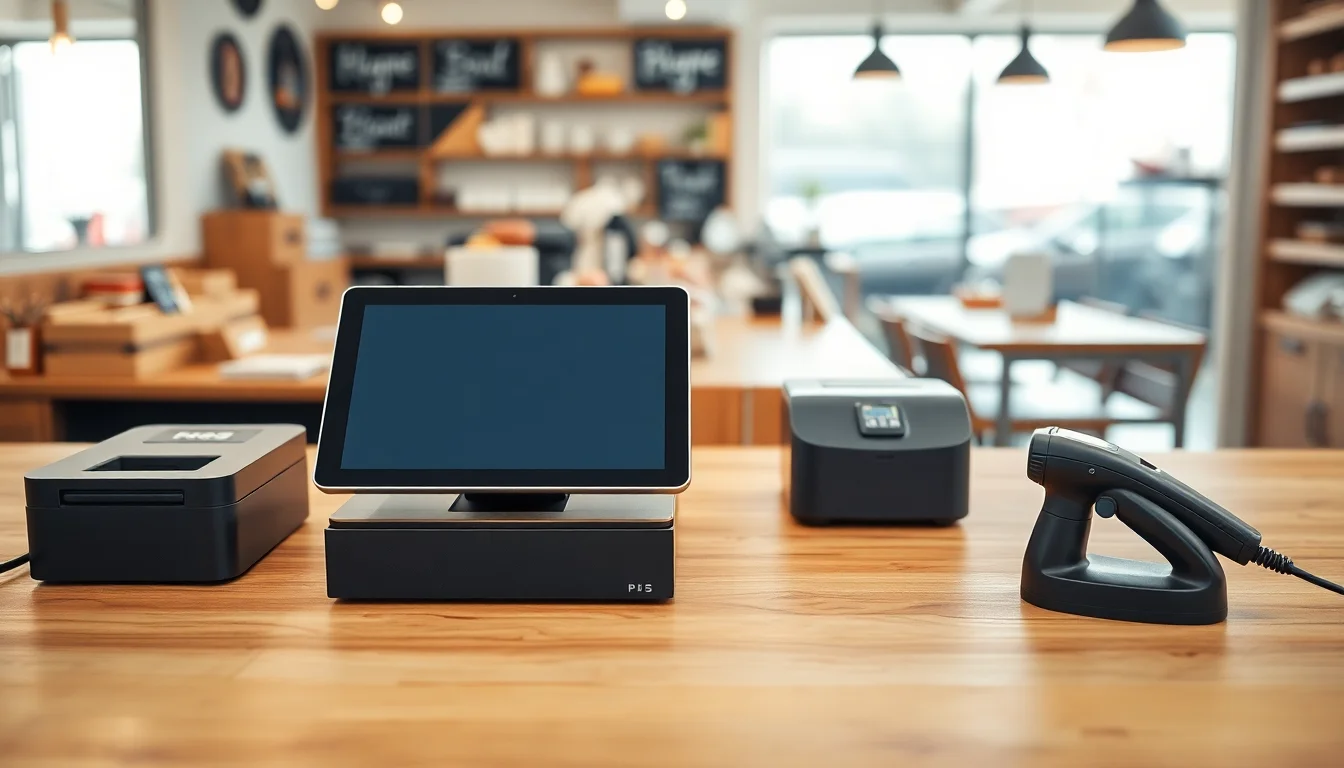
If you’ve never bought a point-of-sale (POS) system before, here’s the short version: a POS system is the combination of software and physical hardware that lets you ring up a sale, collect payment, print a receipt, and open a cash drawer. The hardware side is what this article is about — the tangible stuff you bolt to a counter. A “bundle” just means buying those pieces together so you know they’ll talk to each other. For a single-register retail shop, a complete hardware bundle includes five things: a terminal (the screen you tap to ring sales), a receipt printer (thermal — no ink, just heat), a cash drawer (the locked tray under the counter), a barcode scanner (the gun or flat-plate reader that reads product labels), and a card reader (the device your customer swipes, dips, or taps). Get those five right and you’re open for business. Miss one compatibility detail and you’re returning hardware on a Saturday morning.
Below are three fully vetted bundles — Budget (under $400), Balanced (under $800), and Pro (under $1,500) — with real 2026 street prices, the hidden compatibility traps worth knowing, and a processing-fee note that veterans skip at their peril. Every component links to a purchasable listing. Prices reflect May 2026 market conditions.
Why Hardware Compatibility Is the Argument Experts Actually Have
Software salespeople will tell you the hardware question is solved. It isn’t. The real risk isn’t that components won’t physically connect — it’s that they work fine for six months and then a software update breaks the printer driver, or you switch POS platforms and discover your receipt printer only speaks ESC/POS commands to one vendor’s SDK. PCMag’s 2025 POS system roundup covers how hardware and software lock-in interact, and it’s one of the costs small retailers most consistently underestimate when switching platforms.
Three rules before you buy anything:
- Verify the printer interface your POS software supports: USB, Ethernet, Bluetooth, or serial. Ethernet printers ($20–$40 premium) survive software migrations better because they’re network-addressable, not host-dependent.
- Confirm cash drawer kick port type. RJ11 kick ports driven by the printer are standard and universal. USB-triggered drawers are not — they need explicit driver support from your software.
- Check the software’s hardware compatibility list (HCL) before you order, not after. Our Hardware Compatibility Checker cross-references 200+ components against 30+ POS platforms and saves you the return shipping.
The Three Bundles: Component-by-Component
Budget Bundle — Target: Under $400
Designed for a low-volume shop (under 80 transactions/day) running a free or entry-tier POS like Square, Shopify POS Lite, or Lightspeed’s basic plan. Uses a personal iPad or Android tablet you likely already own.
Terminal: Your existing iPad (9th gen or later) or a dedicated Amazon Fire HD 10 tablet (~$150 street price, May 2026). If you’re buying a tablet specifically for POS, the Fire HD 10 is the lowest-risk $150 spend in retail hardware — just confirm your software supports Android. Square does. Lightspeed does not.
Receipt Printer: Star Micronics TSP143IIIU (~$130). USB interface, 250mm/sec print speed, ESC/POS command set. Works out of the box with Square, Clover, Shopify POS, and Lightspeed. The USB-C passthrough on this model is genuinely useful — it charges your tablet while printing, eliminating one cable run.
Cash Drawer: APG Vasario 1416 (~$80). RJ11 interface, kicks off the printer signal. Compact (14”×16”) and heavy enough not to slide when the drawer opens hard. APG has been the quiet default for U.S. retail for 30 years; the Vasario is their volume product and it shows — tolerances are consistent across units.
Barcode Scanner: Inateck BCST-10 (~$35). USB, 1D laser, reads all standard retail barcodes (UPC-A, UPC-E, EAN-13, Code 128). No Bluetooth pairing complexity, no battery anxiety. Limitation: 1D only — no QR, no 2D PDF417.
Card Reader: Square Reader for contactless + chip (~$49, available directly from Square’s hardware store at squareup.com). If you’re running Square POS, this is the obvious choice. If you’re on Shopify POS, use Shopify’s own tap-and-chip reader ($49 direct) — mixing readers across platforms creates reconciliation headaches.
Budget Bundle Total: ~$344–$459 (depending on whether you supply your own tablet)
Balanced Bundle — Target: Under $800
The sweet spot for a shop doing 80–300 transactions/day. Dedicated tablet stand, faster printer, better scanner. Still software-agnostic enough to survive a platform switch.
Terminal: Heckler Design WindFall stand + iPad 10th gen (~$450 combined street price, May 2026). The WindFall is the industry standard for iPad-based retail — weighted base, clean cable management channel, swivels cleanly for customer-facing payment. The 10th gen iPad’s USB-C port removes a dongle from the printer connection.
Receipt Printer: Epson TM-T20III (~$160, Ethernet interface). Epson’s TM-series is the most widely supported receipt printer line in retail POS — virtually every major platform has a certified driver. The Ethernet interface is worth the $30 premium over USB: the printer lives on your network, not on a host port, and survives a tablet swap without reconfiguration.
Cash Drawer: APG Vasario 1616 (~$100). Wider (16”×16”) than the budget version — fits five-bill tills without cramming — and the RJ11 kick port is driven by the Epson printer signal, so no additional configuration. Steel bill weights included.
Barcode Scanner: Honeywell Voyager 1452g (~$120). Wireless Bluetooth, 2D imager. Reads QR codes, GS1 DataBar, PDF417 — covers gift card barcodes, loyalty app codes, and any SKU format you’re likely to encounter in a retail environment through 2028. The 1452g has been in production for years; replacement cradles and batteries are available, which matters when hardware runs 6–8 hours a day.
Card Reader: Stripe Terminal BBPOS WisePOS E (~$249). If you’re on a developer-integrated platform (WooCommerce, custom Shopify build, DEAR Inventory), the WisePOS E gives you a standalone smart terminal with a customer-facing display. If you’re on Square or Shopify’s native POS, use their own certified reader instead — third-party card readers require API configuration that’s outside a typical owner’s comfort zone.
Balanced Bundle Total: ~$730–$780
Pro Bundle — Target: Under $1,500
For a shop with higher volume, a glass display case requiring an under-counter register, or an owner who’s been burned by iPad-based systems and wants a dedicated Windows terminal they can service locally.
Terminal: Elo I-Series 4 (15.6”, Windows 11) (~$700, available through Elo Touch Solutions’ authorized resellers). All-in-one touchscreen, VESA-mountable, built-in card reader bay on some SKUs. TechRadar’s best POS systems guide notes that dedicated Windows terminals are consistently the durability choice for higher-volume retail environments where iPad replacement cycles inflate total cost of ownership over a four-year horizon.
Receipt Printer: Epson TM-T88VII (~$280, Ethernet). The T88 series is the benchmark. 500mm/sec print speed, 250mm paper width option, and Epson’s OmniLink cloud connectivity if you want remote monitoring. At this price point, buy the Ethernet model and put it on a static IP — it will outlive two or three POS software migrations.
Cash Drawer: APG PK-13 (~$150). Heavy-gauge steel, 6-bill configuration, locks with a physical key and a solenoid. Designed for under-counter mounting — pairs with a display case the way the lighter Vasario does not.
Barcode Scanner: Zebra DS2208 (~$120). Corded USB, omni-directional 2D imager. In a glass-case environment where the scanner sits in a stand, corded beats wireless every time — no battery management, no pairing resets when a staff member accidentally unpairs it. Zebra’s enterprise-grade scan engine handles scratched barcodes and shrink-wrapped labels better than any consumer-grade alternative at this price.
Card Reader: Integrated into your POS software contract. At the pro tier, you’re likely running Lightspeed Retail, Shopify POS Pro, or a custom Stripe Terminal integration — each ships a certified reader as part of the hardware package. Budget $200–$350 for a customer-facing smart terminal (Verifone P400, Stripe WisePOS E, or Lightspeed’s own terminal).
Pro Bundle Total: ~$1,250–$1,500 (excluding software-bundled card reader)
By the Numbers
| Bundle | Hardware Cost | Transactions/Day | Best Software Match |
|---|---|---|---|
| Budget | $344–$459 | < 80 | Square Free, Shopify Lite |
| Balanced | $730–$780 | 80–300 | Square Plus, Shopify POS, Lightspeed |
| Pro | $1,250–$1,500 | 300+ | Lightspeed Retail, Shopify Pro, custom |
The Processing Fee Math Nobody Does Until It’s Too Late
Hardware is a one-time cost. Processing fees are forever. Square’s flat rate of 2.6% + $0.10 per tap/dip is fine if your average ticket is under $40. At $80 average ticket and 200 transactions a day, you’re paying roughly $430/day in fees — $156,950/year. A Stripe interchange-plus setup at ~0.10% + $0.05 over interchange, assuming an average interchange of 1.65%, runs closer to $122,000/year on the same volume. That $34,000 delta funds the pro hardware bundle eight times over.
PCMag’s POS systems guide and TechRadar’s best POS systems comparison both cover fee structure comparisons in detail — search each site for their current POS roundups to find side-by-side rate breakdowns. Run your own numbers before you accept a flat-rate contract as a default.
Final Compatibility Check Before You Order
Before any purchase, run your planned component list through our Hardware Compatibility Checker. It’s a two-minute form that flags known incompatibilities between your POS software version and printer/scanner firmware. The number of owners who’ve ordered an Ethernet printer and then discovered their POS plan tier only supports USB is high enough that this step has saved real money repeatedly.
The bundles above are vetted as of May 2026. POS software vendors update hardware compatibility lists quarterly — confirm before you click buy, not after you unbox.