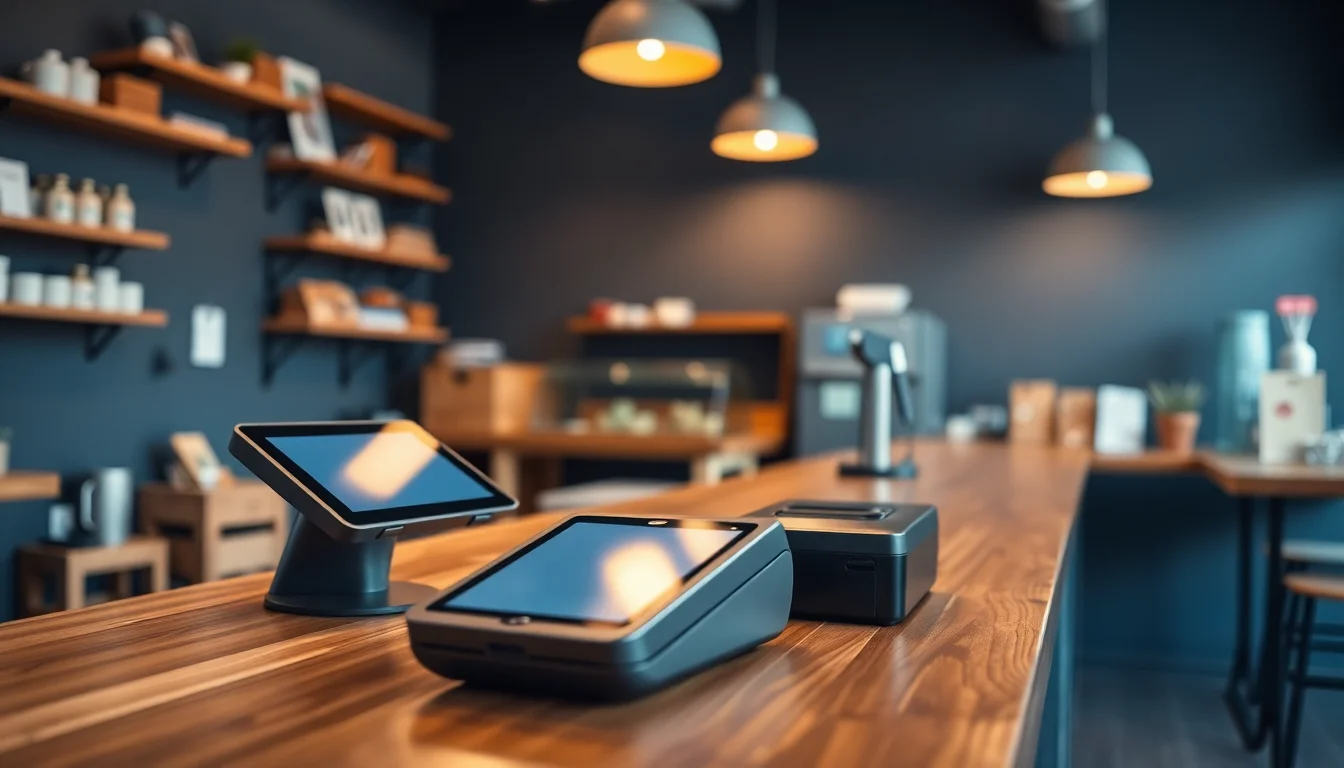
If you’ve ever walked into a bank to open a business account and walked out with a brochure for a point-of-sale system — the hardware and software combo that rings up sales, tracks inventory, and processes card payments — there’s a good chance that brochure was for Clover. Clover is one of the most widely distributed POS platforms in the United States, partly because its parent company, Fiserv, sells it through thousands of bank and ISO (independent sales organization) partners, not just directly. That distribution model is exactly why Clover pricing is so confusing: two business owners can buy the identical Clover hardware and software and end up paying dramatically different amounts. This article maps every plan tier, every hardware option, and every fee layer — and tells you plainly who Clover is right for and who should look elsewhere.
What Clover Actually Costs: Plans, Hardware, and the Real Monthly Number
Clover sells its software in three main tiers for most verticals (retail, restaurants, and services each have their own flavor of these tiers). As of mid-2026, the Fiserv-direct pricing looks like this:
| Plan | Monthly Software Fee | Processing Rate (card present) |
|---|---|---|
| Starter | $0/mo (first 6 months), then $14.95 | 2.6% + $0.10 |
| Standard | $49.95/mo per device | 2.3% + $0.10 |
| Advanced | $84.95/mo per device | 2.3% + $0.10 |
(Pricing based on Fiserv-published plan schedules; see Fit Small Business, “Clover POS Pricing,” for a third-party verification of these tiers.)
Hardware is purchased separately and outright — Clover does not rent hardware the way some Toast bundles do. The flagship Clover Station Solo (a 14-inch touchscreen with a built-in receipt printer) retails around $799 direct from Fiserv. The Clover Mini (a compact countertop unit good for lower-volume retail or as a second terminal) runs around $499. The Clover Flex (a handheld device for tableside payments or food trucks) is approximately $599.
You can find Clover hardware through major retailers. The Clover Station Solo is listed on Amazon and the Clover Flex handheld terminal is also available on Amazon. Be aware: buying hardware from a third-party retailer does not guarantee it will activate with your chosen merchant account. More on that in a moment.
By the numbers — single-terminal full-year cost, Standard plan:
- Software: $49.95 × 12 = $599.40
- Hardware (Station Solo, one-time): $799
- Processing at 2.3% + $0.10 on $25k/month volume: ~$600/month → $7,200/year
- Year-one all-in total: ~$8,600
That’s a reasonable anchor number for a single-location business doing $25k/month in card volume. The moment you add a second terminal, the software fee doubles. At three locations, you’re stacking $150/month in software fees before processing touches a cent.
The Reseller Pricing Trap (This Is Where Most Owners Get Burned)
Here is the part of Clover pricing that most comparison articles gloss over: Fiserv does not control what resellers charge. Banks, ISOs, and regional payment processors all have the ability to set their own processing rates and sometimes their own software subscription markups when they sell Clover through their channel.
Merchant Maverick, in their Clover POS Review, documents this clearly — some bank-channel Clover merchants are paying 2.7%–3.5% on card-present transactions, well above the Fiserv-direct 2.3% rate, because their merchant account was opened through a community bank or a regional ISO that adds margin. You may have signed a three-year processing agreement with that bank, which means you’re locked into elevated rates and face an early termination fee (ETF) — often $300–$600 — if you leave.
The three questions to ask before you sign any Clover deal:
- Is my merchant account with Fiserv directly, or with a third-party ISO/bank?
- What is my exact card-present rate and card-not-present rate, in writing?
- What is the early termination fee and the contract term length?
If the salesperson can’t answer question 1 in one sentence, assume you’re in the reseller channel and negotiate the rate before signing.
Hardware Lock-In: The Detail That Changes Your Exit Strategy
Clover hardware is cryptographically paired to its Fiserv merchant account. Unlike a Square reader — which you can unplug and use with a different Square account tomorrow — a Clover device is essentially bricked if your merchant account closes or transfers to a different processor. The hardware has no resale value to another merchant on a different account.
This matters enormously for your cost math. When Square charges you $299 for a Square Terminal, that $299 buys you a piece of hardware you own outright and could theoretically use on a new Square account or sell to another Square merchant. When you pay $799 for a Clover Station Solo, that $799 buys you hardware tied to one payment ecosystem.
PCMag, in their review of the Clover Station (titled “Clover Station Review”), identifies this lock-in as a significant drawback for owners who like to maintain negotiating leverage with processors. If you can’t walk away from your hardware, you can’t effectively walk away from your processor.
The Clover Mini countertop terminal is also available at Best Buy, typically priced around $499–$549, but the same lock-in caveat applies regardless of where you purchase the device.
Processing Fee Math: How to Verify Your Own Numbers
Processing fees are where the real money lives. Software fees are visible on the invoice. Processing fees hide inside every transaction and only reveal themselves when you build a simple spreadsheet.
Here’s the formula every Clover owner should run monthly:
Effective rate = (Total fees charged by processor) ÷ (Total card volume processed)
Pull both numbers from your monthly processing statement. If your effective rate is running above 2.6% on a predominantly card-present business (meaning customers tap, swipe, or insert in person), that’s a signal your rate has been marked up above Fiserv’s published baseline.
At $30,000/month in card volume:
- 2.3% + $0.10 (Fiserv direct Standard plan, ~1,500 transactions): $690 + $150 = $840/month
- 2.7% + $0.15 (common bank-channel markup, same volume/transaction count): $810 + $225 = $1,035/month
- Annual difference: $2,340
That $2,340 is the cost of not negotiating your rate before you signed. Over a three-year contract term, it’s $7,020 — nearly enough to buy nine Clover Mini terminals.
NerdWallet, in their Clover POS Review, benchmarks Clover’s processing rates as competitive for mid-volume merchants but cautions that the bank-channel variance can make Clover one of the more expensive processing options for small businesses not paying close attention to the fine print. That assessment aligns directly with the math above.
The App Market: Power and Cost Creep
One of Clover’s genuine strengths is its App Market — a curated ecosystem of third-party apps for loyalty programs, employee scheduling, inventory management, payroll, and more. If you need a feature Clover’s native software doesn’t cover, there’s probably an app for it.
The trap: those apps are subscription-additive. A loyalty program app might run $25/month. A more capable inventory management app might be $40–$75/month. Advanced reporting tools can add another $20–$30/month. It is entirely possible to build a Clover setup where your app subscriptions exceed your base plan cost.
Before you buy, make a list of the five features most critical to your operations and check whether they’re included in the base plan or require an app purchase. The Clover App Market is browsable without an account at clover.com/appmarket — spend 20 minutes there before you finalize your budget.
Who Should Pick Clover — and Who Shouldn’t
Here is the plain decision rule, no hedging:
Pick Clover if:
- You’re a quick-service restaurant, retail shop, or service business that wants a polished, durable hardware ecosystem with solid offline functionality
- You’re buying direct from Fiserv (not through a bank channel) and can lock in the Standard or Advanced plan rate in writing
- You need the App Market’s breadth and are willing to budget $50–$100/month for third-party apps
- You have multiple employees and value Clover’s employee management and permissions features, which are genuinely stronger than Square’s at the same price tier
Pick Square instead if:
- You’re under $10k/month in card volume — Square’s free plan and 2.6% + $0.10 flat rate will almost certainly cost you less all-in, and the hardware (the Square Terminal is available on Amazon) is fully portable between accounts
- You want hardware that doesn’t become a paperweight if you switch processors
- You’re a solo operator or food truck who doesn’t need employee scheduling and shift management
Pick Toast instead if:
- You’re a full-service restaurant with table management needs, kitchen display system requirements, and online ordering integration at the core of your operation
- You’re comfortable with Toast’s higher monthly minimums (typically $110+/month) in exchange for a restaurant-native feature set
- You want a single-vendor relationship for POS, payroll, and marketing
The Verdict
Clover is a legitimate, capable POS platform — the hardware is well-built, the software covers most use cases, and the App Market adds real flexibility. But Clover’s pricing is uniquely opaque because of its reseller distribution model, and its hardware lock-in removes your leverage at renewal time in a way that Square and Toast simply do not.
If you buy Clover direct from Fiserv, negotiate your processing rate in writing, skip the bank channel entirely, and audit your App Market subscriptions before they creep, Clover delivers fair value for retail and quick-service operators doing $15k–$100k/month in volume.
If you walk into a bank, sign a three-year agreement without reading the processing schedule, and buy three Station Solos — you will almost certainly overpay by thousands of dollars annually, and you will have no portable hardware to show for it when you eventually switch processors.
Read the contract. Run the math. Then decide.
→ See our Square vs. Clover head-to-head comparison and Toast vs. Clover for restaurants for side-by-side feature and cost breakdowns.